How to Prepare a Mix for Online Mastering Without Ruining It
A practical checklist for exporting a clean, unclipped stereo mix for online mastering without killing the punch before the master even starts.
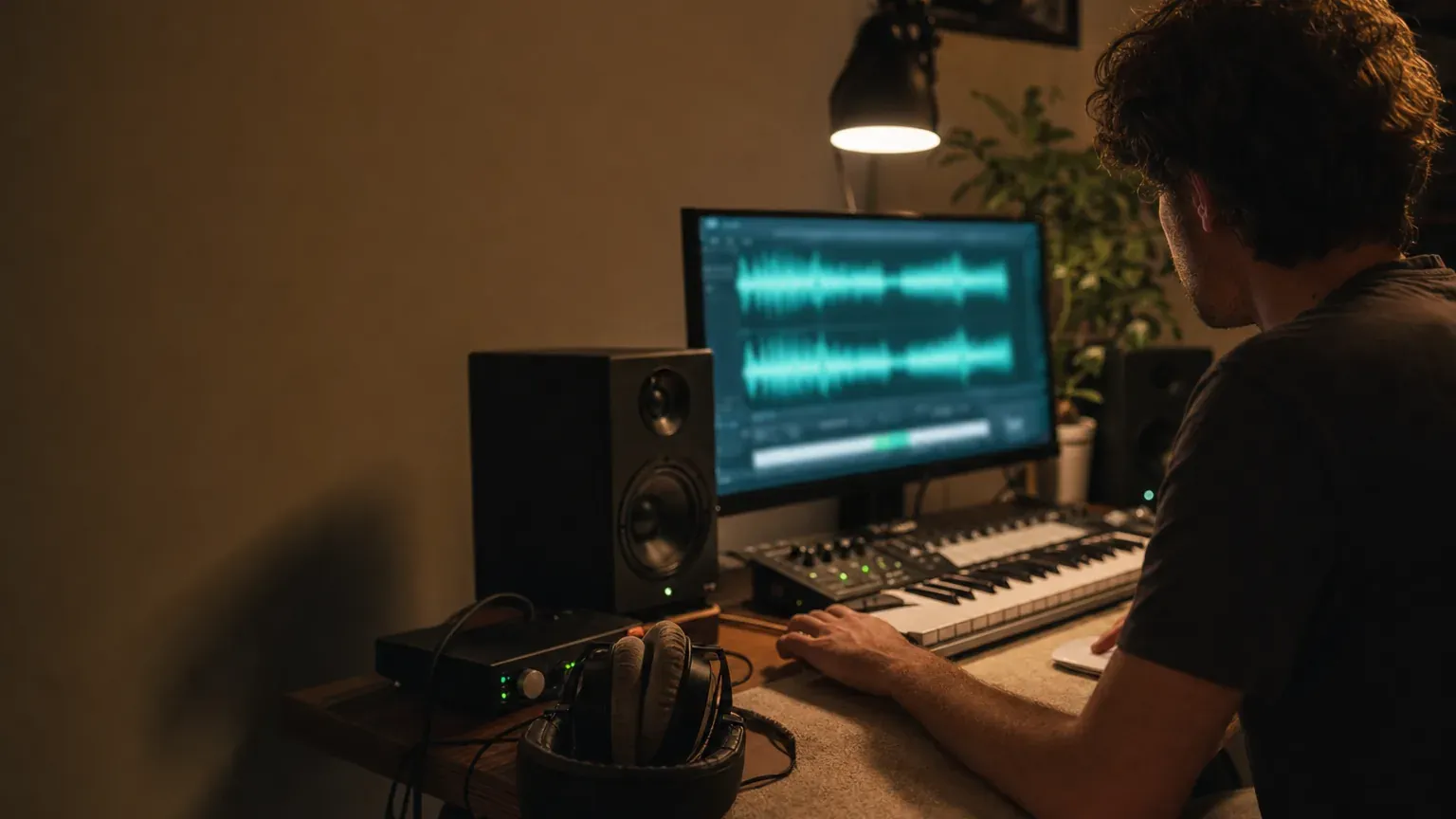
A better master starts before mastering. That does not mean your mix has to be perfect in some scary, mythical way. It means the file you send should be finished, unclipped, and exported in a format that does not make the mastering stage fight your bounce.
The big mistake is treating mastering like a magic loudness button. In a streaming world, loudness gets normalized anyway. Spotify explains that playback is adjusted around -14 dB LUFS, and Apple Digital Masters recommends leaving room so encoding does not create clipping. In plain English: the goal is not “make this file as loud as possible.” The goal is “send the cleanest version of the record so the master can make smart moves.”
Here is the practical version. If your stereo mix passes the checks below, you are in good shape for online mastering without making the process fight a messy bounce.
Start with a finished stereo mix
Before thinking about headroom or LUFS, ask whether the mix is actually done. If you are still changing the vocal ride, kick level, bass distortion, reverb throws, or hi-hat brightness, you are still mixing. Mastering can help translation, tone, punch, width, and delivery readiness. It should not be asked to fix a chorus where the vocal disappears.
A good pre-master already feels like the song. The groove works, the vocal or lead element sits where it should, the low end has a clear relationship between kick and bass, and the top end does not hurt when you turn it up. Mastering can polish that. It cannot make an unfinished balance feel intentional.
Export the best file you have
If you can, export a lossless stereo file: WAV, AIFF, or FLAC. Lossless just means the file keeps the audio data instead of throwing some of it away to save space. MP3 and AAC are useful for sharing, but they are not ideal source files for mastering because they already contain codec decisions.
Spotify’s delivery guidance says to deliver the highest-quality native stereo master and avoid downsampling, reducing bit depth, or applying extra processing before delivery. Same spirit here: if your session is 24-bit, export 24-bit. If it is 48 kHz, keep 48 kHz. Do not make a lower-quality version just because you saw a random upload spec somewhere.
Also, do not convert an MP3 back to WAV and assume it is “restored.” The WAV wrapper may be lossless, but the lost MP3 detail does not come back. If the MP3 is truly all you have, use it, but if the original bounce exists, use that.
Leave headroom, but do not worship -6 dB
You have probably heard that a mix must peak at exactly -6 dBFS before mastering. That number is not a universal rule. It is a rough habit people use to say “please do not clip the file.” The real requirement is simpler: leave some room and avoid clipping.
Clipping means the waveform hits the digital ceiling and gets flattened. Sometimes producers clip things creatively inside a mix, but accidental clipping on the full stereo bounce is different. It can make drums brittle, vocals spit, and low end feel smaller after more processing.
If your mix bus limiter is only there to make the rough bounce impressively loud, print another version without it or with far less gain reduction. If the limiter is part of the sound, keep it, but make sure it is not shaving peaks just to win a volume contest before mastering even starts.
Check LUFS and true peak before you upload
LUFS is a way to measure perceived loudness over time. True peak estimates the highest peak that can appear after digital-to-analog playback or lossy encoding, even when your sample peak meter says you are under 0 dBFS. The ITU-R BS.1770 recommendation is one of the standards behind these measurements, and EBU R 128 helped make loudness normalization a normal broadcast workflow.
You do not need to turn the mix into a spreadsheet. Just check that the file is not wildly loud, not clipped, and not carrying hidden true-peak overs. Use whatever meter you trust. If you want a quick browser check, the Free LUFS Meter and Free True Peak Checker are there, but the habit matters more than the tool.
Most important: do not chase a streaming target while you are still mixing. If a platform turns loud tracks down, a crushed mix does not magically stay more competitive. It just arrives with less punch. A cleaner mix with better balance often feels bigger after normalization than a louder one that has already been squeezed flat.
Use reference tracks only if they help
You do not need a perfect reference track before you upload. If you already have one or two songs that feel close, use them as a quick sanity check for tone, low end, and width. If you do not, that is fine. The main thing is sending a clean mix and judging the previews against your own track.
LoopMastering gives you a few starting masters with different feels, including Modern, Open, and Impact. Listen through them as alternatives, compare against your original at a matched volume, then use the mastering options for small adjustments if one is close but needs less bass, more air, tighter width, or a different loudness feel.
Upload one clean version and make listening decisions
When you upload, resist the urge to send five almost-identical bounces unless they really answer different questions. Send the best clean stereo mix. If you are unsure between two versions, name them clearly and compare them before mastering: “vocal up 0.5 dB” is a real difference; “final final new 7” is a trap.
Quick pre-master checklist
Finished mix: the song balance is done, and mastering is not being used to solve obvious mix problems.
Lossless export: you exported WAV, AIFF, or FLAC from the original session when possible.
No clipping: the stereo bounce does not hit 0 dBFS or flatten peaks by accident.
Useful headroom: there is room for mastering moves, but you are not obsessing over an exact -6 dB peak.
LUFS and true peak checked: you know roughly how loud the mix is and whether hidden overs are likely.
One clean upload: you have the best stereo bounce ready, instead of several confusing almost-final versions.
When the mix is ready
If those boxes are checked, you are ready to proceed with LoopMastering’s online mastering. Upload the mix, listen through the mastering versions, use the mastering options for small adjustments if needed, then download the final master that feels right for the track.
The short version: finish the mix, export the best lossless file you have, avoid clipping, check loudness and true peak, then listen through the mastering results and adjust by ear. That is how you prepare a mix for mastering without ruining it before the master even starts.