MIDI becomes audio
MIDI stores notes, timing, velocity, and instrument instructions. It has to be rendered before it behaves like a song file.
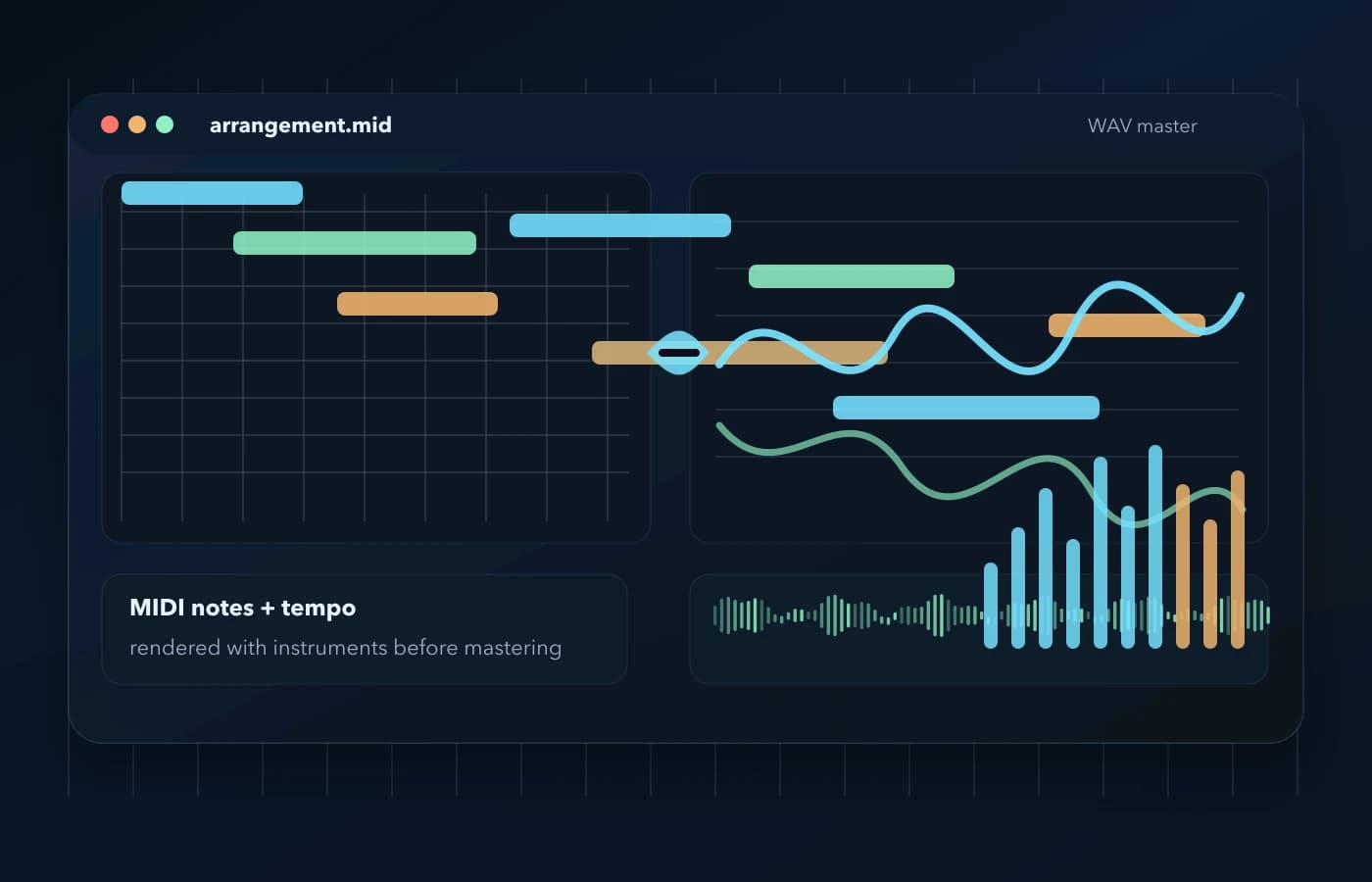
Turn a .mid or .midi arrangement into a real audio file, then hear it mastered for streaming, sharing, and DAW work.
Upload MIDI on LoopMasteringMIDI stores notes, timing, velocity, and instrument instructions. It has to be rendered before it behaves like a song file.
WAV is the safer target when you want lossless audio for mastering, editing, DAW import, or a higher-quality delivery source.
Once the MIDI is audio, LoopMastering can shape loudness, tone, width, bass, and clarity just like a normal mix.
Most MIDI conversion searches are not only about changing a file extension. People want a playable song, a cleaner demo, or a WAV they can keep working on without opening a DAW.
Send a rendered WAV or MP3 to collaborators who do not have your DAW session or MIDI player.
Use the rendered WAV as the audio source before polish, loudness matching, and final export.
A MIDI file can look like music but still make no sound without instruments. Rendering gives it the actual waveform.
Start from a standard .mid or .midi file with notes, tempo, and track data.
The arrangement is converted into a WAV source, so the notes become real audio.
Compare the mastered version, adjust the direction, then export a release-ready WAV or MP3.
MP3 is convenient for sharing, but WAV is the better first stop when you care about quality. It gives the mastering stage a full-resolution render to work from.
Short answers to the things musicians usually check before converting a MIDI file into a mastered audio file.
Yes. Upload a standard .mid or .midi file, render it into audio, then master and export the result as WAV or MP3.
MIDI does not contain recorded instrument audio. The sound depends on how the notes and instrument instructions are played back during conversion.
WAV is better when you plan to master, edit, or keep the highest-quality source. MP3 is smaller and useful for quick sharing.
Streaming and distribution platforms expect audio files such as WAV or FLAC. MIDI needs to be rendered before it can be released.
It is best for quick rendering and mastering. If you need detailed instrument programming, finish that in your DAW first and upload the MIDI when the arrangement is ready.
Go to the upload area, add your MIDI, and hear the finished audio.