It repairs the click, not the sound
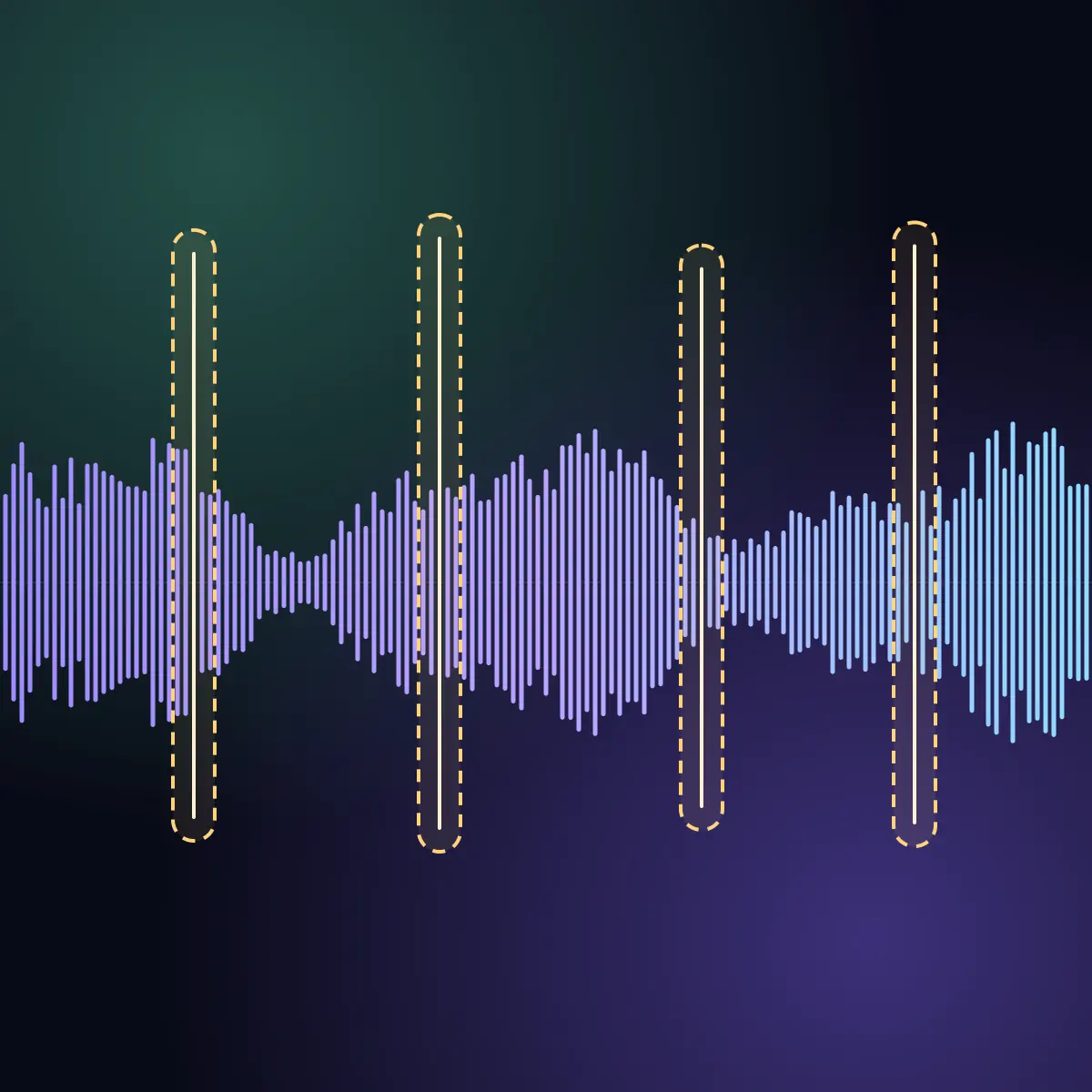
A click lasts a few thousandths of a second. The De-Clicker finds each one and rebuilds only those samples from the sound around them. The notes, the voice and the tone stay.
Free audio tool
Upload vocals, instruments, beats or full songs. The De-Clicker repairs each click, pop and crackle it finds, and the rest of the recording stays as it is. Compare each file with the original, then download the WAV.
De-Clicker
Works with vocals, podcasts and voice-over, instruments, drums, beats, stems, full songs, masters, and vinyl or tape transfers. Each file comes back as a WAV at its own sample rate.
A click lasts a few thousandths of a second. The De-Clicker finds each one and rebuilds only those samples from the sound around them. The notes, the voice and the tone stay.
The audio between repairs is left alone. With a 16-bit or 24-bit file, every sample outside a repair is the same as in your upload.
Each file gets its own player. Switch between the original and the repaired version while it plays, and see where each repair was.
A bad edit, a digital glitch, a loose cable or the crackle of an old record can put clicks into a good recording. A repair of each click by hand takes time. The De-Clicker finds and repairs them, and leaves the rest.
Repair the clicks and the short dropouts in sung or spoken audio, and smooth the hard cuts of an edit.
Clean instruments, drums, beats and stems before the mix, or a finished song before the master.
Take the pops and the crackle out of a digitized record or tape, up to 20 minutes per file.
Pick Music or Voice, then add up to 5 files in one run. Each file can be up to 20 minutes long.
The De-Clicker reads each file, finds the clicks, pops, crackle and short dropouts, and rebuilds only those samples.
Play each file, switch between the original and the repaired version, and download the WAV.
Each file comes back as a WAV with the same length, sample rate and channels as your upload.
What it repairs, which files it takes, and its limits.
Short sounds that do not belong in the recording: digital clicks, pops, the ticks of vinyl crackle, and short dropouts where the sound stops for a moment. With the Voice setting it also smooths the hard cuts of an edit.
Vocals, speech, podcasts, voice-over, instruments, drums, beats, stems, full songs, masters, and vinyl or tape transfers. WAV, AIFF, FLAC, MP3, M4A and other common audio files, up to 20 minutes and 1 GB each.
Pick Voice for sung or spoken vocals, podcasts and voice-over. Pick Music for everything else: instruments, drums, beats, full songs and record transfers. The Music setting is more careful, because a drum hit or a pick on a string can look like a click. One setting applies to all files of a run.
Only the repaired places. The audio between them stays as it is, and the file keeps its length, its sample rate and its channels.
No. The De-Clicker repairs short events. A steady noise such as hiss, hum or room noise stays as it is.
One run per week, with up to 5 files in the run. No account is required. A paid plan removes the weekly limit.
A WAV file at the sample rate of your upload: 24-bit, or 32-bit float when your upload is a float file. The player on the page uses a 256 kbps AAC preview. The download is the full-quality file.
Upload your files, hear the difference, and download the repaired WAV.