It follows the voice, not a fixed level
The De-Esser compares each "s" with the voice around it. A quiet verse and a loud chorus get the same treatment, and you set no threshold.
Free audio tool
Upload a vocal, a podcast or a voice-over. The De-Esser turns down the harsh "s", "sh" and "t" sounds, and the rest of the voice keeps its tone. Compare each file with the original, then download the WAV.
De-Esser
Works with lead vocals, backing vocals, rap, podcasts, voice-over and speech. Each file comes back as a WAV at its own sample rate.
The De-Esser compares each "s" with the voice around it. A quiet verse and a loud chorus get the same treatment, and you set no threshold.
A soft "s" gets a small cut. An "s" that is harsh against the vowels before it gets a deeper cut, in the high range where the harshness is.
Each file gets its own player. Switch between the original and the de-essed version while it plays, and see where each "s" was turned down.
A bright microphone, a close recording, a compressor or a treble boost can make "s", "sh" and "t" sounds sharp. An equalizer that cuts them also makes the whole voice dull. The De-Esser turns down the high range only while such a sound lasts.
Smooth the sibilance of a lead vocal or of backing vocals before the mix.
Make speech easier to listen to, on headphones too.
De-ess the vocal tracks first. Then you can compress and brighten them without sharp S sounds.
Pick Light, Medium or Strong, then add up to 5 files in one run. Each file can be up to 20 minutes long.
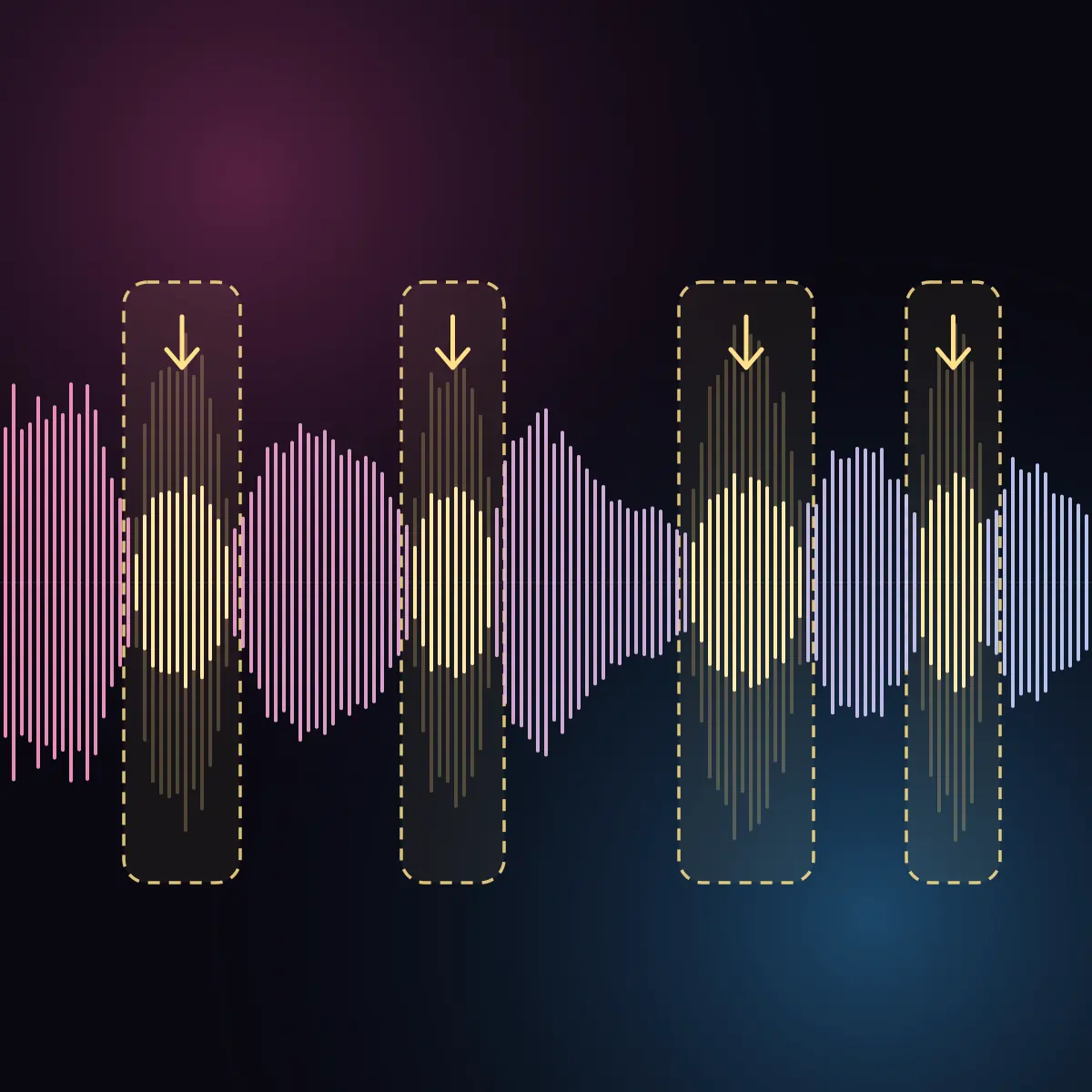
The De-Esser reads each file a thousand times per second, finds the "s" sounds, and turns down the high range while each one lasts.
Play each file, switch between the original and the de-essed version, and download the WAV.
Each file comes back as a WAV with the same length, sample rate and channels as your upload.
What it does, which files it takes, and its limits.
It turns down sibilance: the sharp "s", "sh", "ch" and "t" sounds of a voice. It cuts the high range of the voice only while such a sound lasts, so the voice keeps its brightness.
A voice on its own track: lead vocals, backing vocals, rap, podcasts, voice-over and speech. WAV, AIFF, FLAC, MP3, M4A and other common audio files, up to 20 minutes and 1 GB each, with a sample rate of 32 kHz or more.
Start with Medium. Pick Light for a voice that needs only a little. Pick Strong for a bright or heavily compressed vocal with sharp S sounds. One setting applies to all files of a run.
The De-Esser is made for a voice on its own track. On a full song it also turns down cymbals, hi-hats and other bright sounds. For a song, de-ess the vocal track before the mix.
The high range of the voice while an "s" sound lasts, and for a moment after it. The vowels and the body of the voice stay as they are. The file keeps its length, its sample rate and its channels.
The De-Esser cuts only while an "s" sound lasts, so the voice stays bright between them. If the S sounds come out too soft, use a lighter setting.
One run per week, with up to 5 files in the run. No account is required. A paid plan removes the weekly limit.
A WAV file at the sample rate of your upload: 24-bit, or 32-bit float when your upload is a float file. The player on the page uses a 256 kbps AAC preview. The download is the full-quality file.
Upload your files, hear the difference, and download the de-essed WAV.