It takes out the pop, not the voice
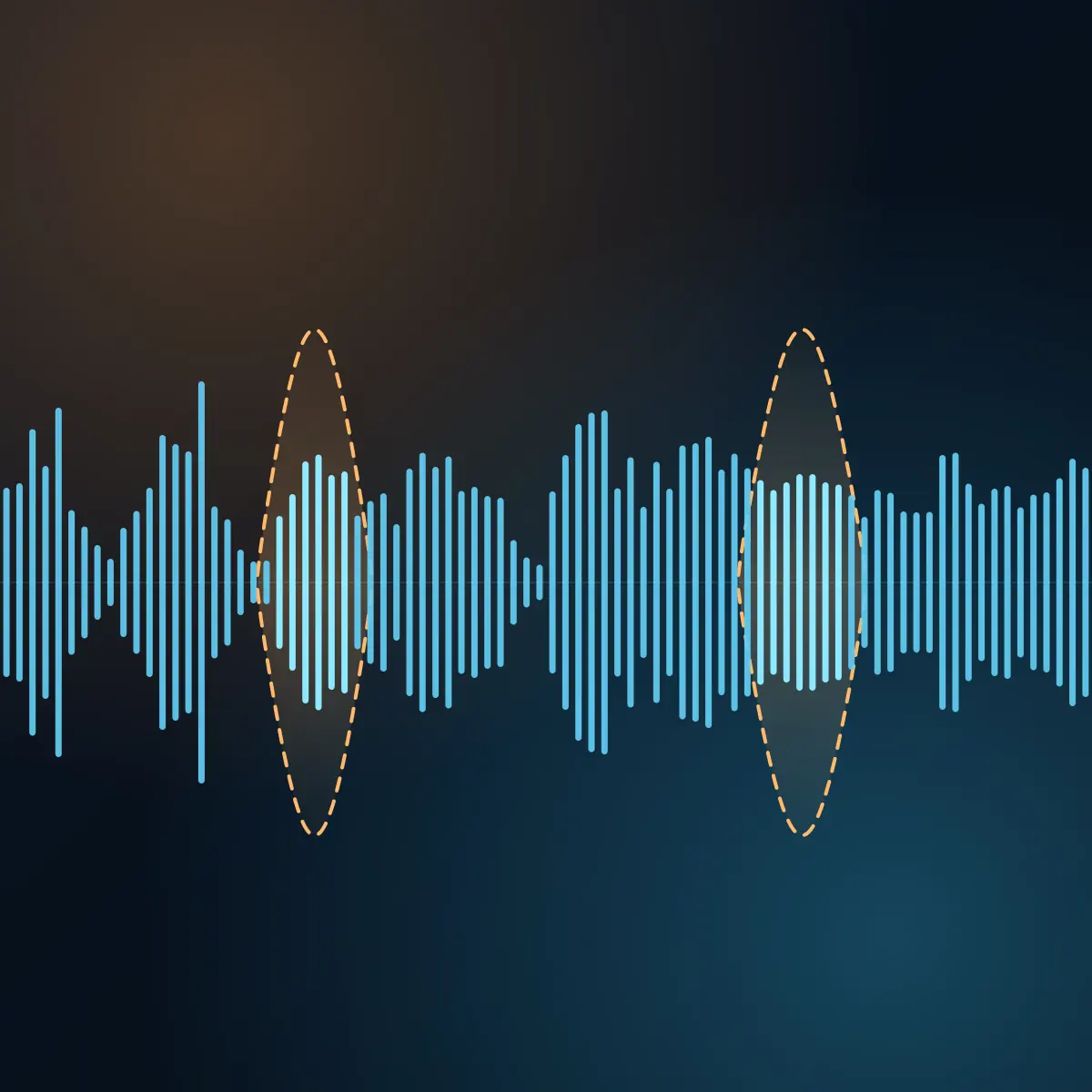
A pop is a burst of air that hits the microphone and puts a low thump under the word. De-Plosive finds each burst and removes only that part. The consonant and the tone of the voice stay.
Free audio tool
Upload your vocal takes and De-Plosive takes out the low thump of each "p" and "b" pop. The rest of the recording stays as it is. Listen to each file against the original, then download the WAV.
De-Plosive
Works with sung and spoken takes: lead vocals, doubles, rap, voice-over and podcast tracks. Each file comes back as a WAV at its own sample rate.
A pop is a burst of air that hits the microphone and puts a low thump under the word. De-Plosive finds each burst and removes only that part. The consonant and the tone of the voice stay.
The audio between pops is left alone. With a 16-bit or 24-bit file, every sample outside a repair is the same as in your upload.
Each file gets its own player. Switch between the original and the repaired version while it plays, and see where each pop was.
The performance is right, but a few words hit the microphone too hard. A high-pass filter makes the whole voice thinner, and a repair of each pop by hand takes time. De-Plosive repairs the pops and leaves the rest.
Fix the pops on leads, doubles and ad-libs before the mix, and keep the low end of the voice.
Clean a spoken track that was recorded close to the microphone or without a pop filter.
Send several takes through in one run and get each one back as a WAV at its own sample rate.
Add up to 5 files in one run. Each file can be up to 15 minutes long.
De-Plosive reads each file, finds the bursts of air on the "p" and "b" sounds, and takes the low thump out of each one.
Play each file, switch between the original and the repaired version, and download the WAV.
Each file comes back as a WAV with the same length, sample rate and channels as your upload.
What it does, what it changes, and its limits.
A plosive is a consonant like "p" or "b" that sends a burst of air out of the mouth. When that air hits a microphone, the recording gets a low thump. People also call it a mic pop or a p-pop.
Only the pops. It removes the low-frequency burst under each one and leaves the audio between pops as it is. The file keeps its length, its sample rate and its channels.
No. A high-pass filter cuts the low end of the whole recording, so the voice gets thinner. De-Plosive works only where a pop is, so the rest of the voice keeps its low end.
WAV, AIFF, FLAC, MP3, M4A and other common audio files, up to 15 minutes and 1 GB each. The tool is made for one vocal or voice track at a time, not for a full mix.
One run per week, with up to 5 files in the run. No account is required. A paid plan removes the weekly limit.
A WAV file at the sample rate of your upload: 24-bit, or 32-bit float when your upload is a float file. The player on the page uses a 256 kbps AAC preview. The download is the full-quality file.
Upload the vocal, hear the difference, and download the repaired file.